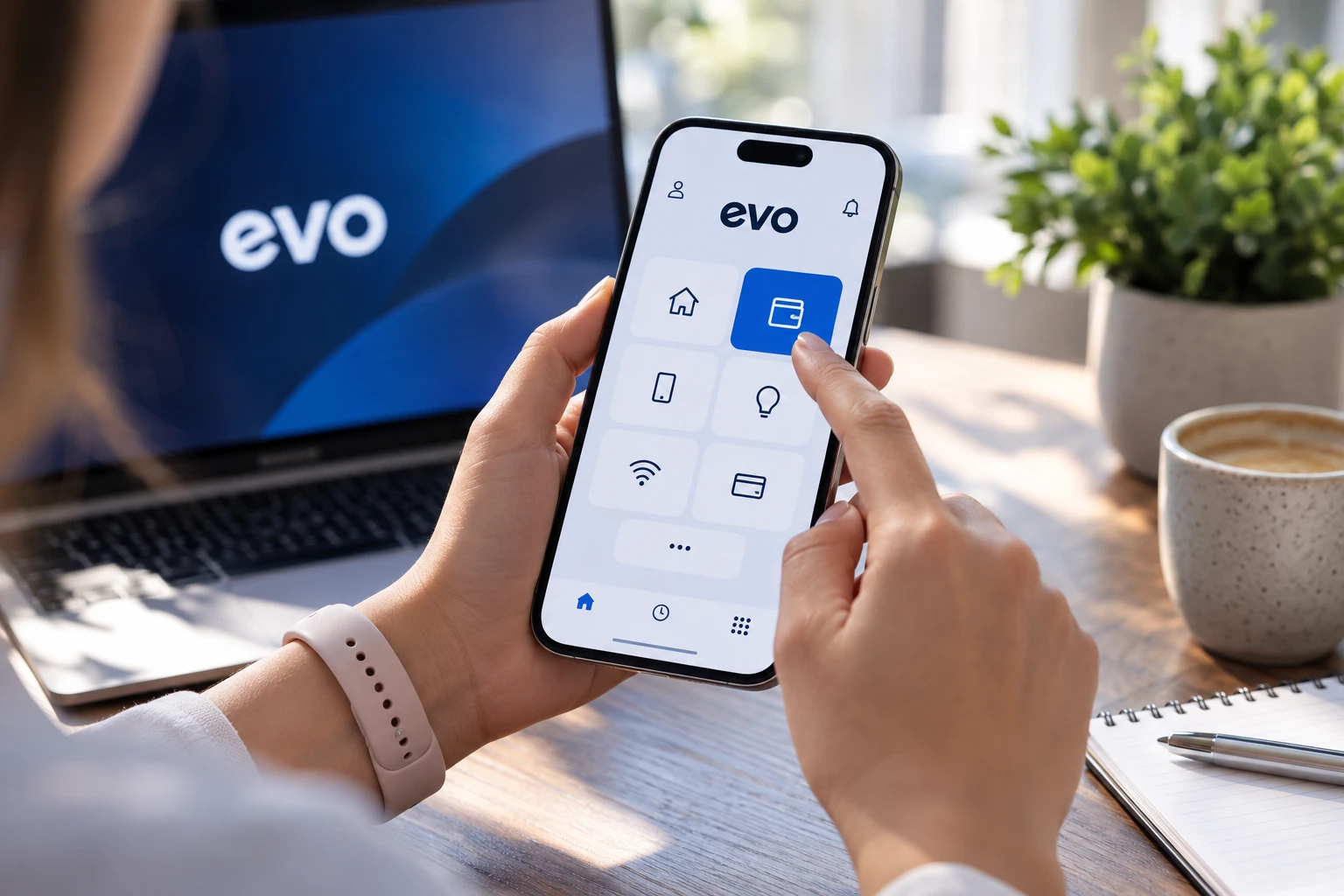
It allows you to quickly and securely pay taxes, fees, fines, and other government services. A transaction confirmation will appear immediately in the app. Within the module, you can: view your payment history, bills, and transaction confirmations; download receipts and send them via email; pay a bill using an MPay number or QR code. To make a payment, open EVO and select the "Payments" section, then choose a service, enter the MPay number or scan the QR code, verify the details, and confirm the payment with a bank card. When paying with a Mastercard via Apple Pay or Google Pay, you can receive 10% cashback—up to 80 lei per transaction and for no more than 5 payments per month. It's worth noting that the number of payments made through EVO has already quadrupled compared to last year. // 18.09.2026 — InfoMarket
The "Payments" module has been updated in the EVO app in Moldova
In Moldova, an updated "Payments" module has been added to the EVO app